
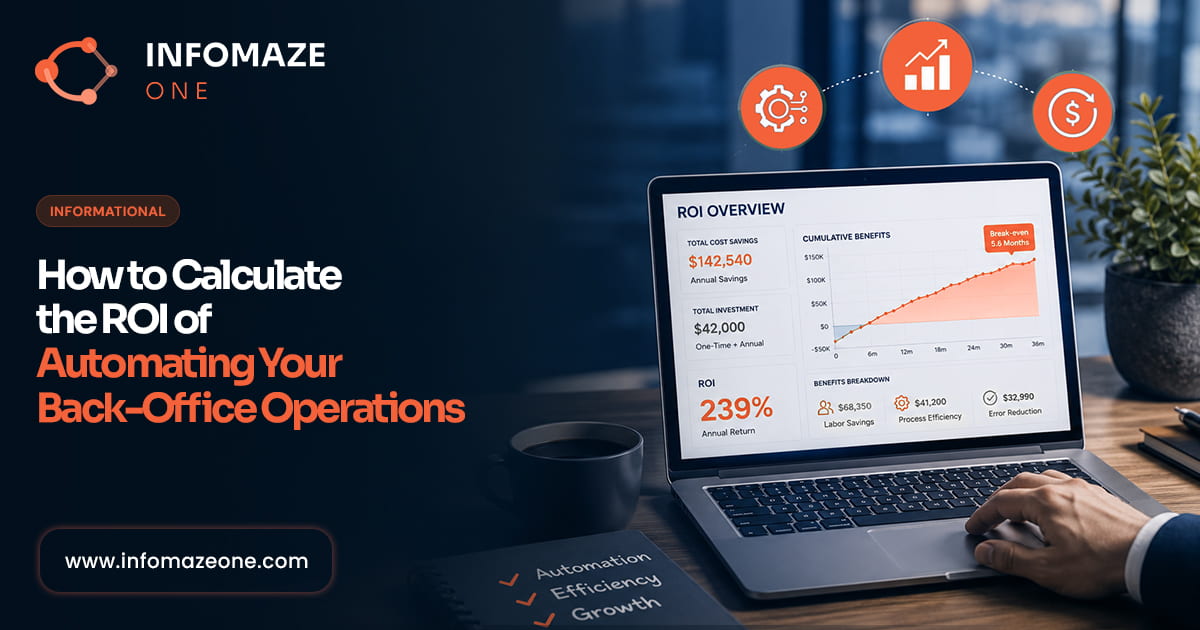
Why Most Automation ROI Calculations Are Wrong
The business case for back-office automation is often made poorly — either overstated by vendors cherry-picking favourable assumptions, or understated by finance teams applying conservative assumptions that undercount the full value. Both failure modes lead to bad decisions: either overpaying for implementations that don’t deliver, or failing to invest in improvements that would have significant returns.
A rigorous automation ROI calculation requires a complete picture of costs — both the current cost of doing things manually and the full cost of the automated alternative — and a complete picture of benefits — not just the direct labour saving, but the full range of improvements that automation delivers.
This guide walks through the complete framework, using accounts payable automation as the primary example while noting where the methodology applies to other process types.
Step 1: Calculate Your Current Total Cost
The current cost of a manual process is typically larger than it appears because it’s distributed across multiple people and cost categories:
Direct labour cost
Identify everyone who spends time on this process. For each person: estimate the percentage of their working week devoted to process-related tasks, multiply by their annual fully-loaded cost (salary + NI + pension + benefits + management overhead — typically 1.4–1.6× base salary), and sum across all involved individuals.
Example: Three team members each spending 25% of their time on AP tasks, at a fully-loaded cost of £40,000 each, gives a direct labour cost of £30,000 per year.
Error and rework cost
Apply an error rate (1–4% for manual data entry is typical) and an error correction cost (research suggests 5–10× the original processing cost per error). For AP: if each invoice costs £15 to process and 2% contain errors that cost £100 to correct, error correction adds approximately 2% × £100 = £2 per invoice to the effective processing cost.
Financial leakage costs
These are costs specific to the process type. For AP: duplicate payments (0.5–1.5% of payables spend), uncaptured early payment discounts (2% on typically 10–30% of eligible invoices), and late payment penalties. For AR: bad debt from uncollected invoices, interest on delayed collections. Estimate these against your actual financial flows.
Opportunity cost
The value of what your team could be doing if they weren’t doing this. For finance professionals: financial analysis, forecasting, cost reduction initiatives. For IT teams: product development, security, architecture. For HR: talent development, culture, strategic hiring. This is the hardest to quantify but often the largest component for senior teams.
Step 2: Calculate the Post-Automation Total Cost
The cost of the automated alternative has several components:
Service cost
For a managed OaaS engagement: the monthly or per-transaction fee. For a software platform: the licence fee plus implementation cost amortised over the contract period. Be clear about what’s included — some providers charge separately for integrations, implementation, support and reporting.
Retained internal cost
Even fully automated processes require some internal resource. Someone needs to review exception reports, approve the outputs, manage the vendor relationship and handle escalations. For a well-designed automation, this is typically 5–10% of the original team time — not zero.
Transition cost
Implementation time for your team, data preparation work, integration development, testing. This is a one-time cost that needs to be included in the payback period calculation but shouldn’t be spread over the full contract term when calculating steady-state ROI.
Step 3: Build the Benefit Side
Benefits of automation fall into four categories:
Direct cost reduction
The difference between current total cost and post-automation total cost. Labour cost saved (from time freed up), error correction cost eliminated, financial leakage recovered.
Quality improvement value
For AP: duplicate payment elimination and early payment discount capture. For AR: improved collection rates and reduced write-offs. For HR: reduced time-to-hire through faster administrative processing. For compliance: reduced regulatory risk, which has an expected value based on the probability and magnitude of a compliance failure.
Capacity value
Time freed from routine processing is capacity that can be redirected. If three people are freed from 25% of their time, that’s 0.75 FTE equivalent of capacity available for higher-value work. The value of that capacity is whatever it can produce — additional revenue-generating activity, strategic work that would otherwise not get done, or headcount growth avoided as the business expands.
Speed improvement value
Faster invoice processing means faster cash collection and more discount capture. Faster customer service resolution means higher customer satisfaction and lower churn. Faster onboarding means faster time-to-productivity for new hires. Speed improvements translate to financial value, though the translation requires business-specific assumptions.
Step 4: Calculate Payback Period and ROI
With costs and benefits quantified, the standard ROI metrics are straightforward:
Annual benefit: Total annual value delivered by automation (direct cost savings + quality improvement value + capacity value)
Annual cost: Ongoing service cost + retained internal cost
Net annual benefit: Annual benefit minus annual cost
Payback period: Transition cost ÷ net annual benefit
3-year ROI: (3-year net benefit − transition cost) ÷ transition cost × 100%
For AP automation at 500 invoices per month, a realistic calculation typically produces a 3–6 month payback period and a 200–400% 3-year ROI. For processes at lower volumes, payback periods extend but remain well within reasonable investment thresholds for most businesses.
“The hardest part of the automation ROI calculation is not the maths — it’s being honest about the current cost, including the hidden costs that don’t appear in any budget line but are real and large.”
What to Watch Out For
Vendor-provided ROI calculators. These are marketing tools. Use them as a starting point, then build your own calculation with your actual numbers and realistic assumptions. The vendor’s calculator almost always produces a more favourable number than a rigorous independent analysis.
Counting headcount savings that aren’t real. If automation frees 0.75 FTE equivalent but your business doesn’t reduce headcount or measurably redirect that capacity to something more valuable, the headcount saving isn’t real. Count it only if you can specify what the freed capacity will actually be used for.
Ignoring the transition cost. Implementation takes time and resource. A 3-month implementation period during which your team is split between old and new processes has a cost that needs to be in the calculation.
Using 100% automation rate assumptions. Real-world automation rates are 85–95%, not 100%. The 5–15% exception handling cost needs to be in the ongoing cost, not ignored.
Our free AI Audit includes a customised ROI calculation for your specific process volumes and cost structure — built with your actual numbers, not industry averages. No commitment required, no obligation to proceed. Book your free AI Audit →
Ready to automate your operations?
Book a free AI Audit — 60 minutes, no obligation, realistic ROI estimate.